4.1
Inclusive of VAT
Free Installation
We provide free installation for all standard locations. For remote or hard-to-reach areas, additional charges may apply. To avoid any inconvenience, kindly confirm with our sales team before placing your order.Quick Service
Request Price Match
Delivery Within : 09 Dec 2025

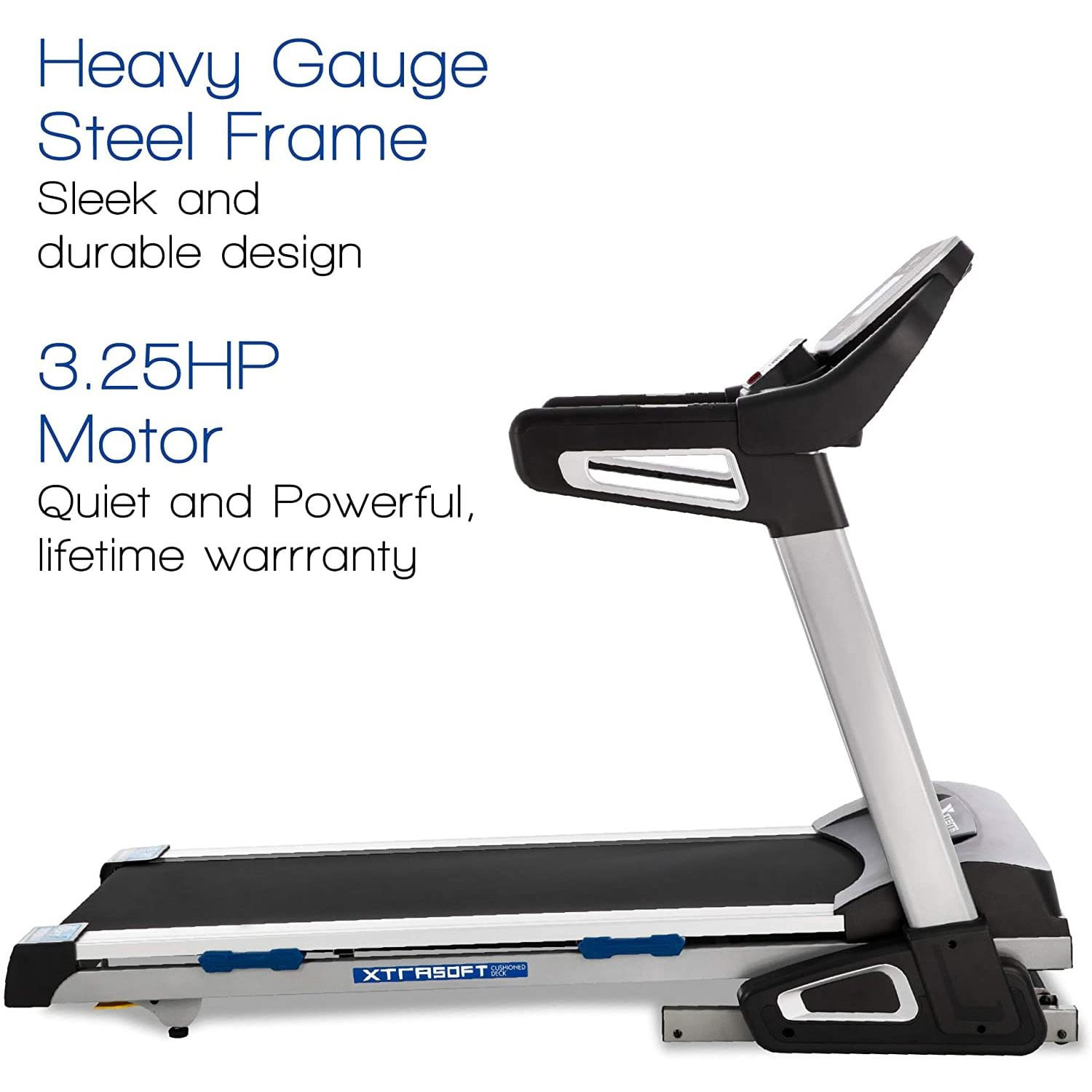
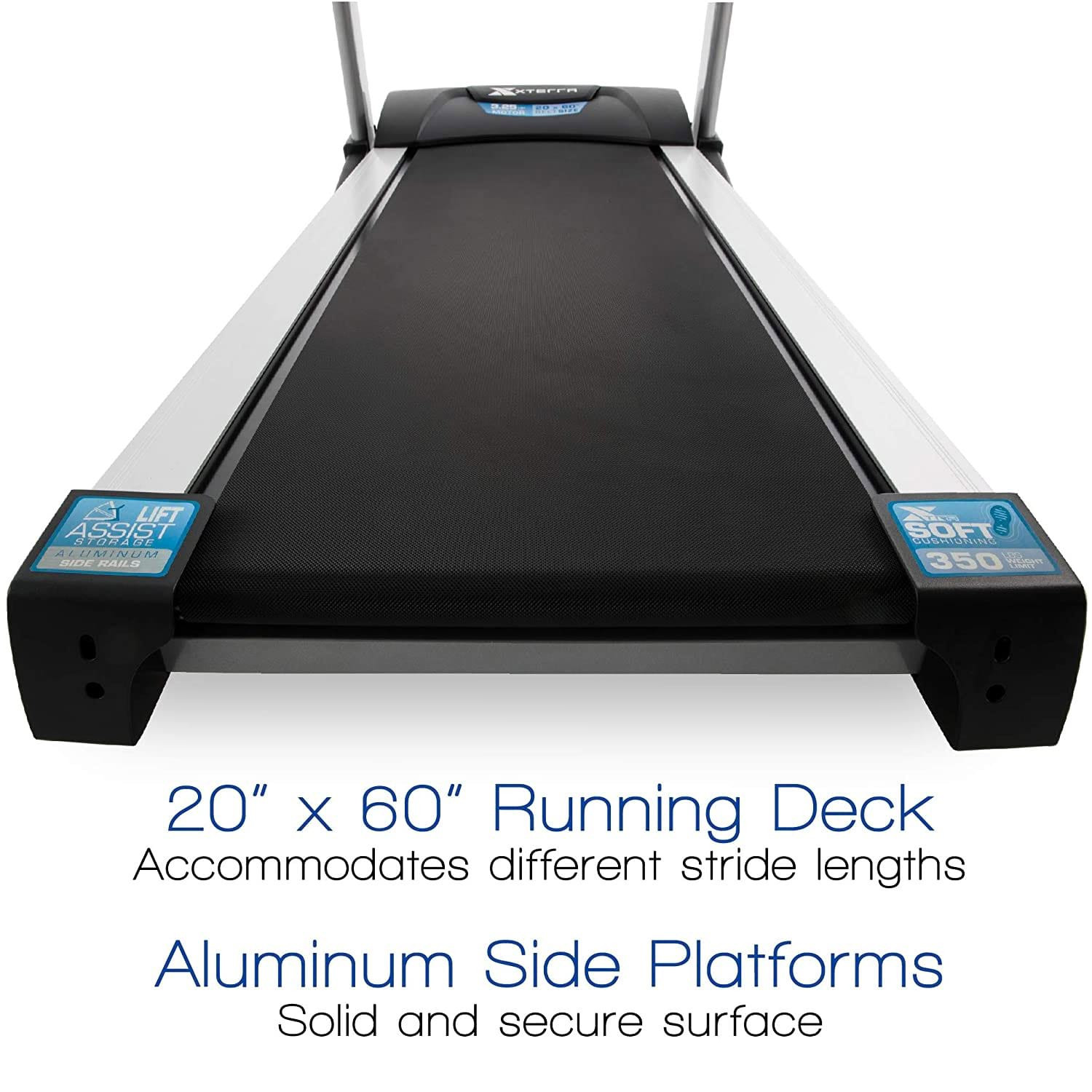
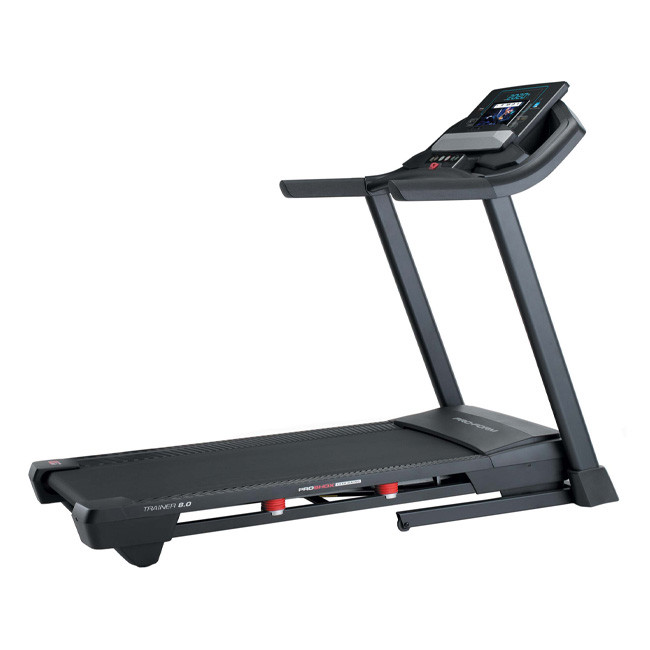
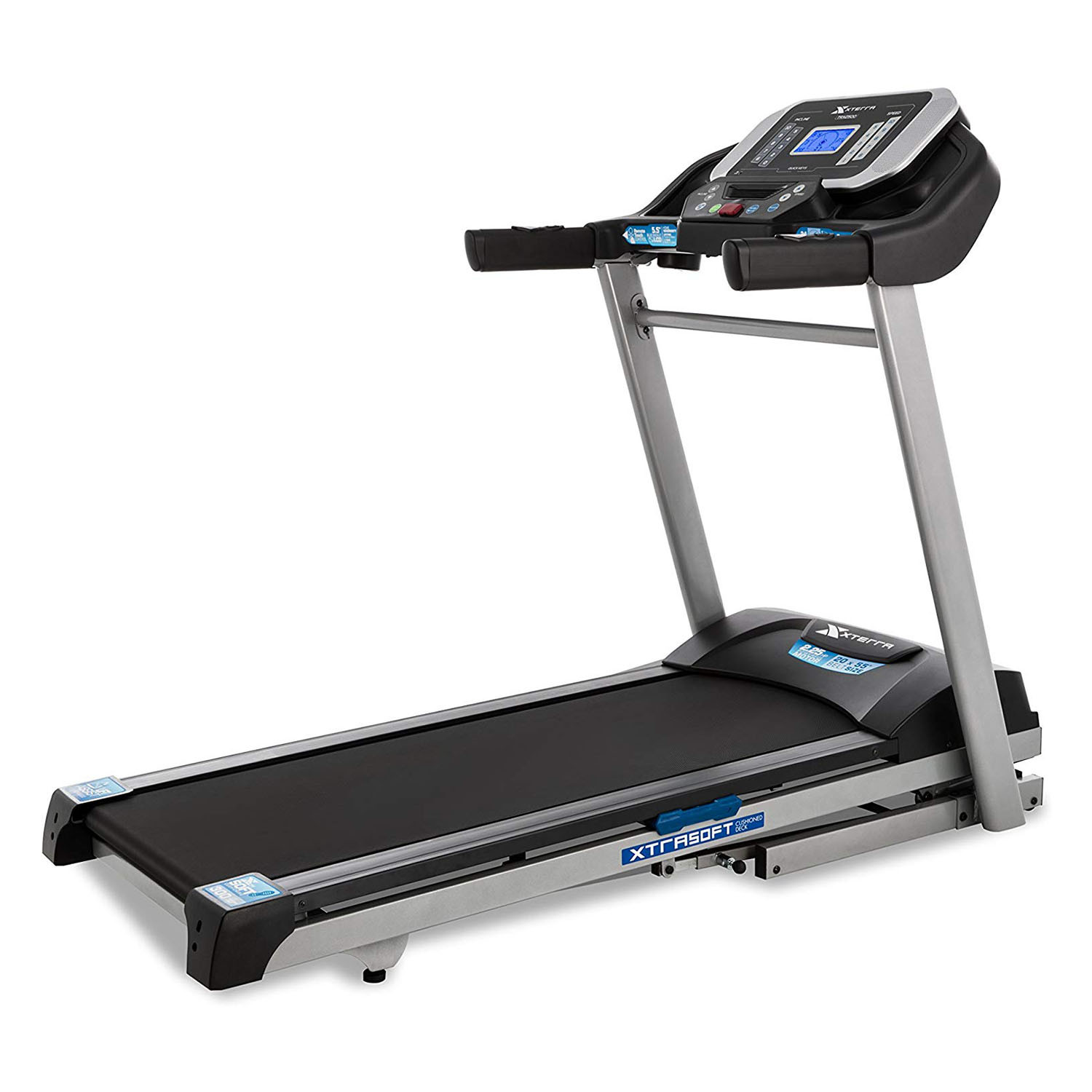
The XTERRA TRX4500 Home Use Treadmill blends commercial-grade performance with home-friendly design to deliver a complete cardio solution for users of all fitness levels. At its heart is a 3.25 HP motor engineered for quiet, reliable operation and an expansive top speed of 12 mph, allowing you to switch quickly from brisk walking to intense intervals. The 20" × 60" running surface gives ample room for natural stride and comfortable training, while XTRASoft cushioning reduces impact to protect joints during longer sessions.
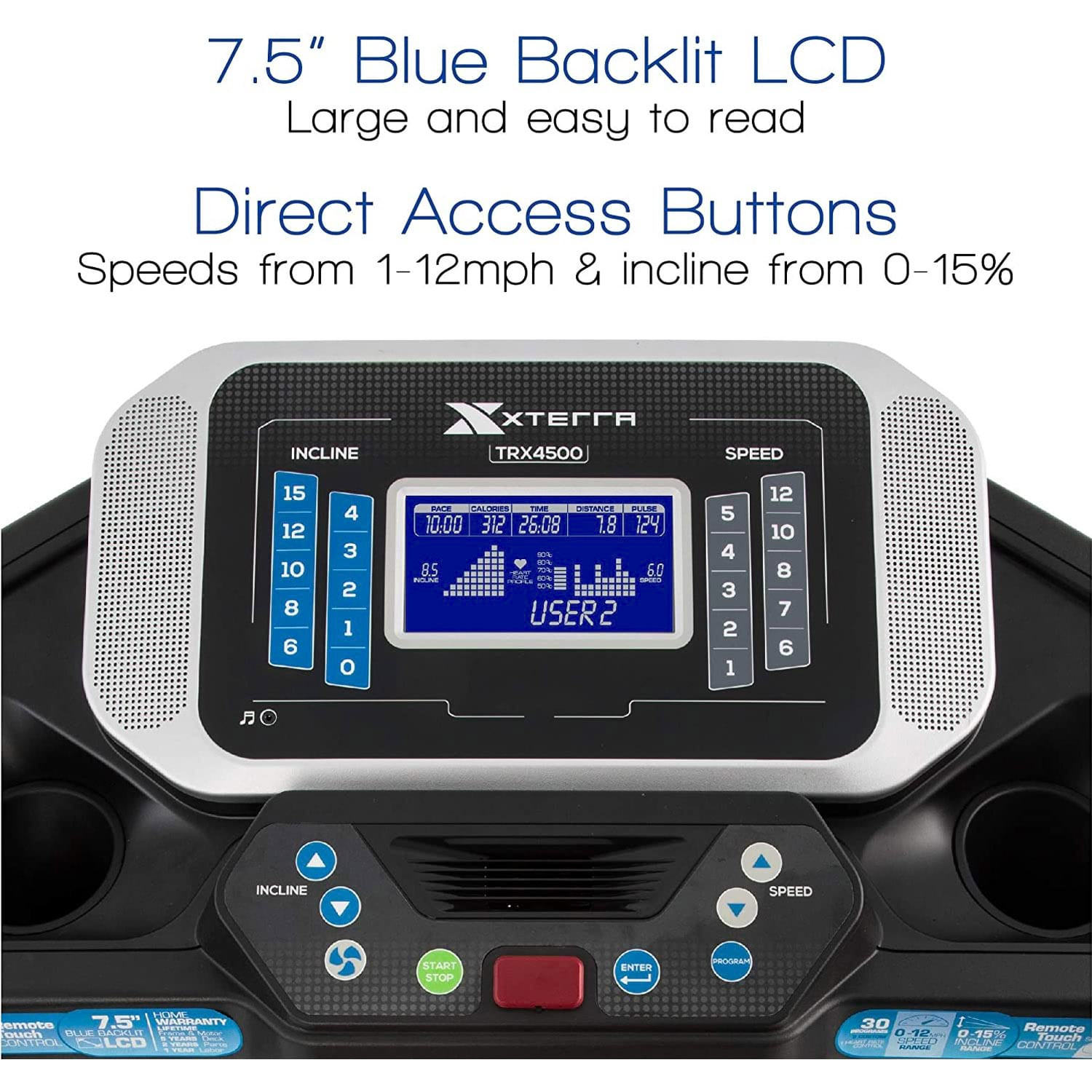
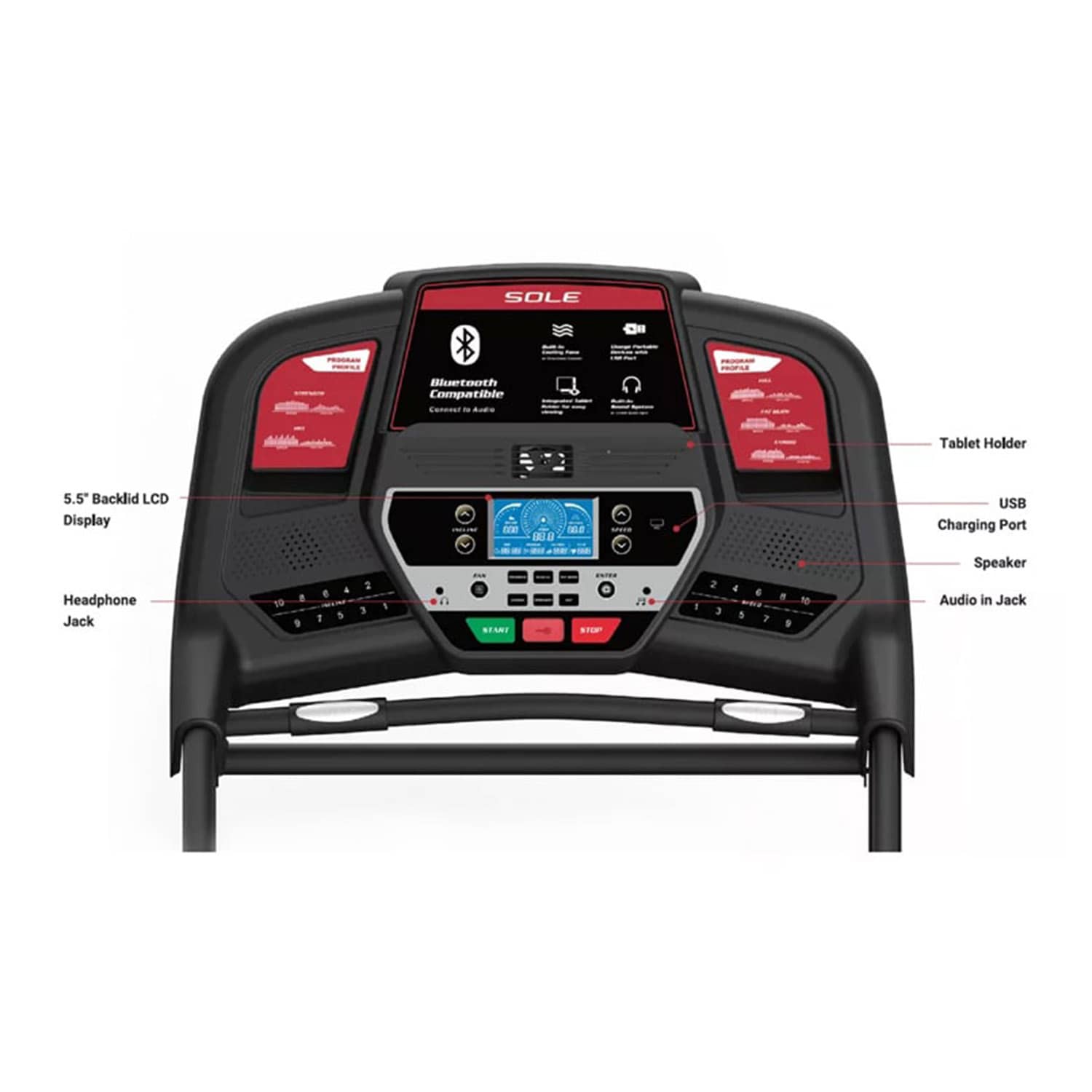
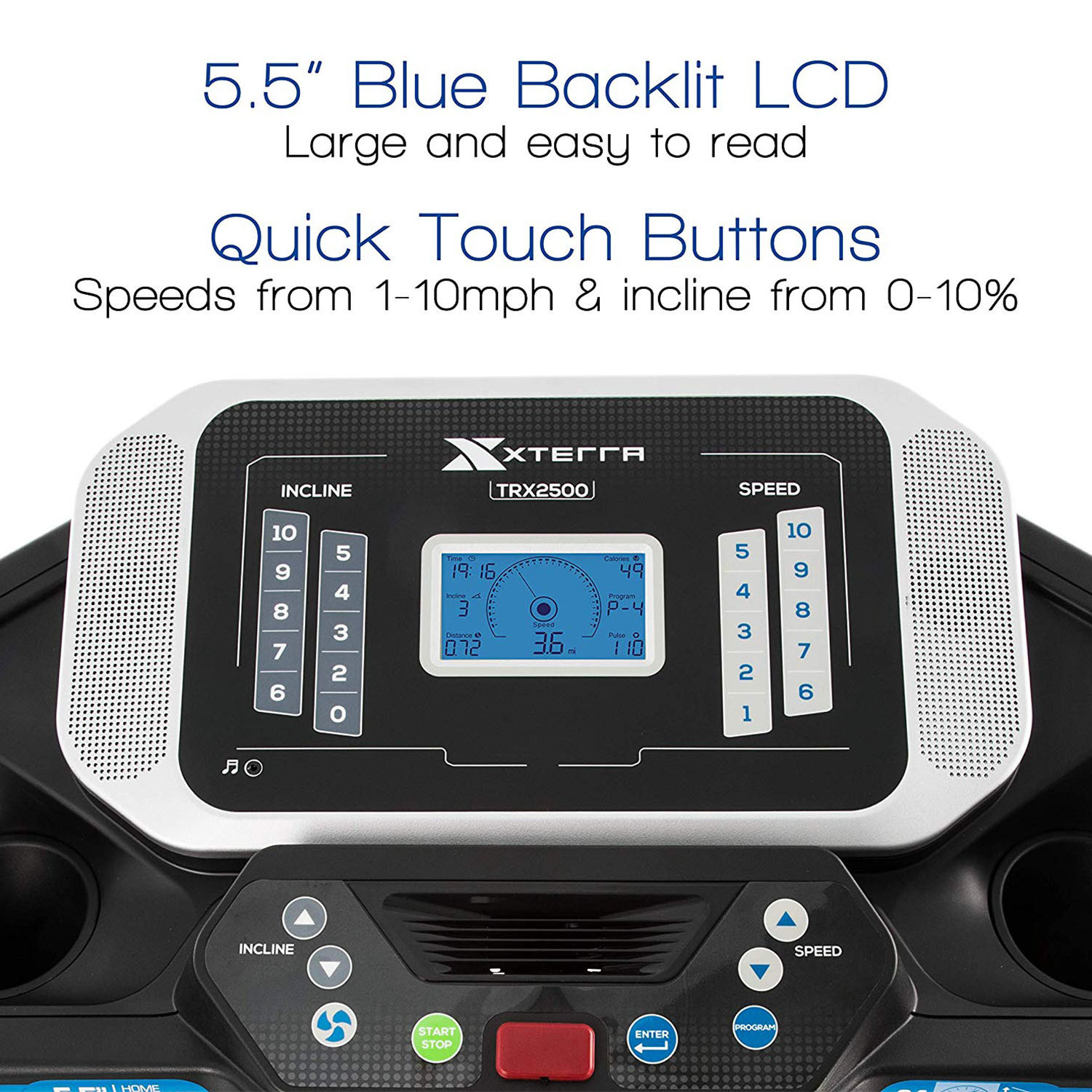
The console is a standout: a widescreen 7.5" blue backlit LCD provides clear workout feedback and easy navigation through 30 preset programs, two user-programmable slots, and a heart-rate program optimized for target-zone training. Bluetooth connectivity pairs the treadmill with compatible apps and devices, and built-in MP3 speakers keep your music or training cues audible without extra equipment. A supplied heart-rate chest strap and handlebar-mounted EKG grips offer two reliable heart-rate monitoring options.
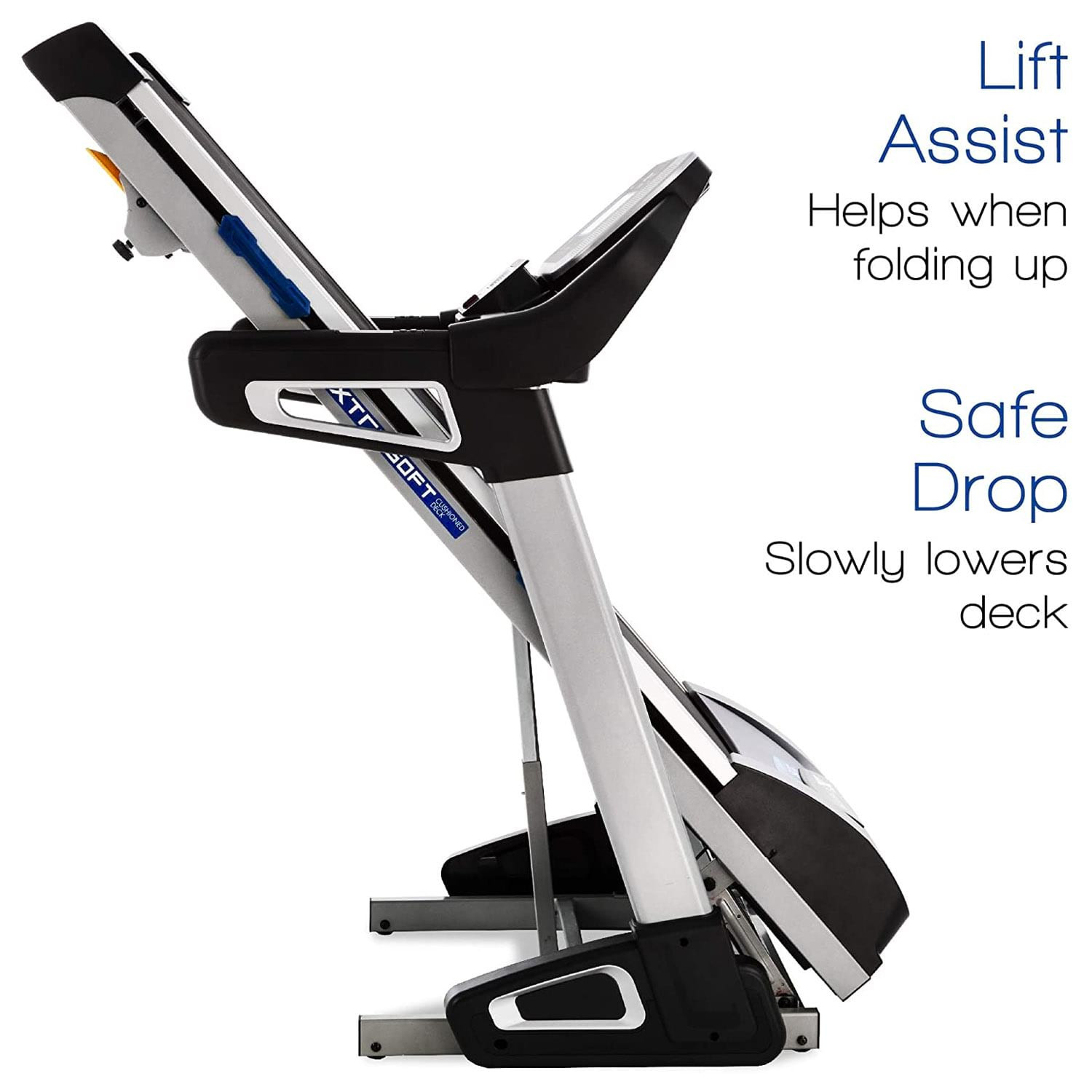
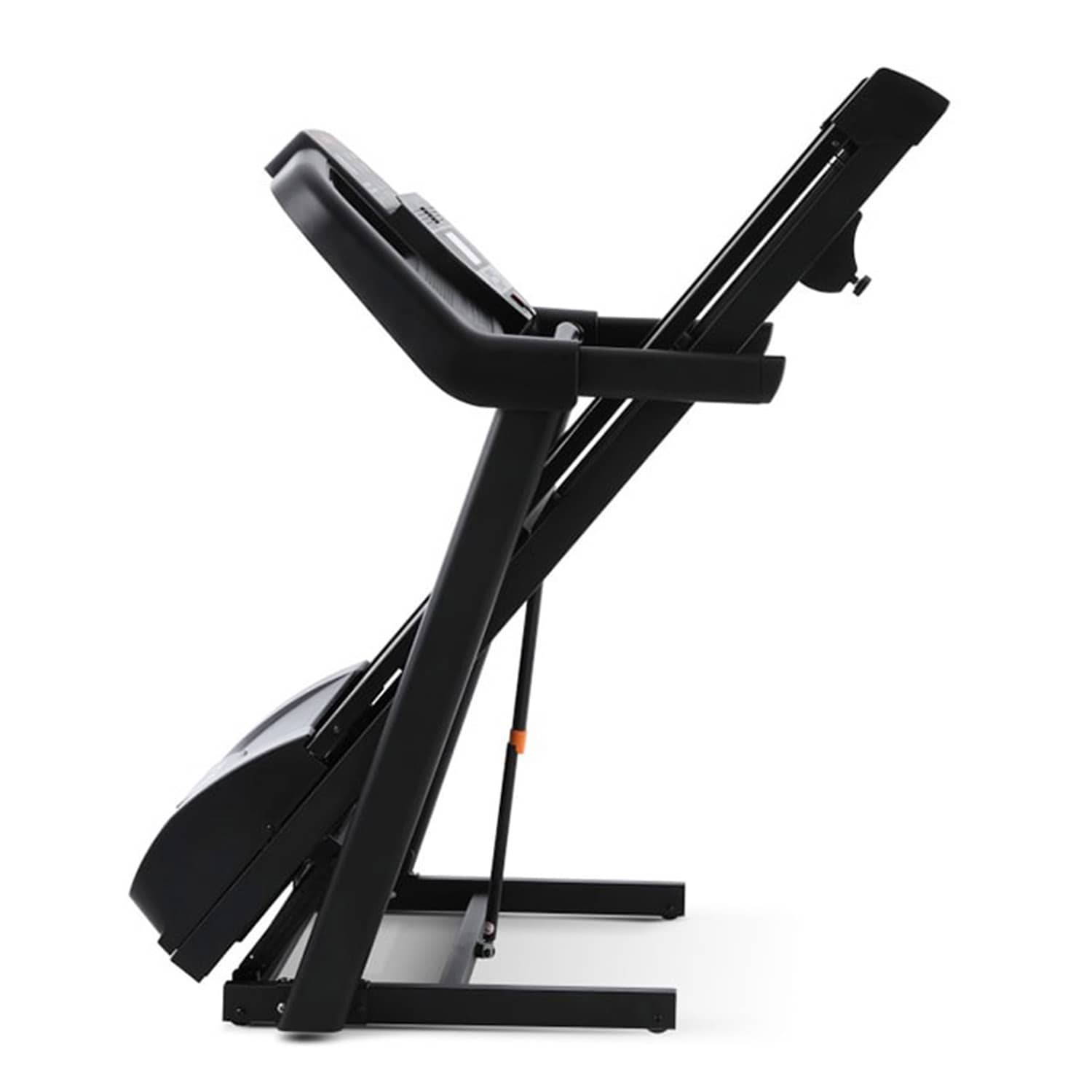
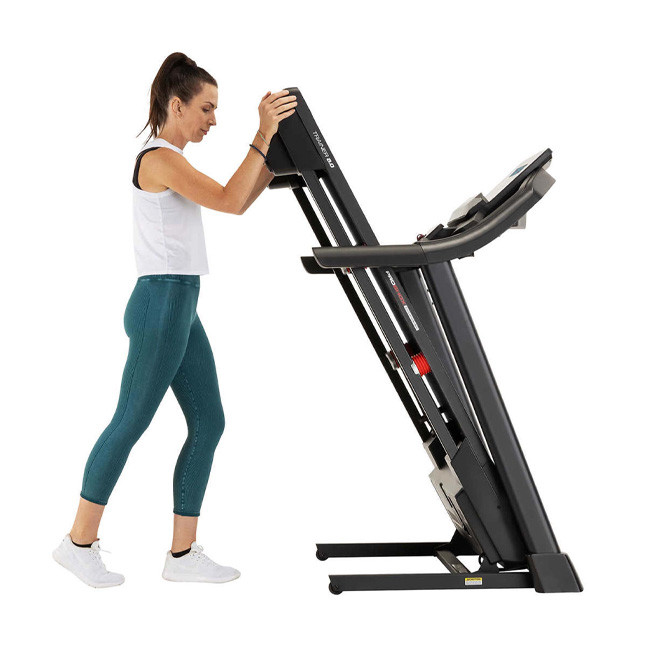
Practical design features make the TRX4500 a strong home choice. The Lift Assist foldable frame saves space and includes a Safe Drop mechanism that slowly lowers the deck for safety during setup. Aluminum side rails and direct-access speed/incline keys on the handlebars make in-workout adjustments seamless. Durability is addressed through a reinforced deck and warranty coverage (manufacturer warranty varies by region — confirm Sea Wonders / local service terms).
For UAE buyers, the TRX4500 is especially attractive because it pairs performance with space-conscious storage and modern connectivity. Whether you're training for endurance, improving fitness, or using interval workouts via Bluetooth-linked apps, the TRX4500 provides the toolkit: powerful motor, long running surface, premium cushioning, and integrated electronics. It’s a solid long-term investment for individuals and families who want gym-level treadmill performance at home.
The XTERRA Fitness TRX4500 is a premium, foldable home treadmill engineered for performance and convenience. Powered by a quiet 3.25 HP motor and a roomy 20" × 60" running surface, the TRX4500 supports speeds up to 12 mph and 15 incline levels for intensive training or steady walking. Its 7.5" blue backlit LCD offers 30 pre-set workouts, Bluetooth connectivity, MP3 speakers and direct-access controls — plus a chest strap for accurate heart-rate training. Built with XTRASoft cushioning and a robust folding frame (Lift Assist + Safe Drop), it’s suitable for serious home users who need gym-quality features without permanent floor space. Ideal for UAE homes where space and high performance matter.
Overview: This step-by-step guide covers unboxing, installation, basic setup, and safety checks to get your XTERRA TRX4500 running reliably.
Step 1 — Prepare the installation area
Choose a flat, level surface with at least 0.5–1m clearance behind the treadmill for safety. Ensure the floor can support the treadmill’s weight (item weight ~220.5 lbs) and the maximum user load. Keep the area free of dust and moisture.
Step 2 — Unbox and inspect
Carefully remove packaging. Verify all parts are present (console, motor cover, side rails, deck, bolts, hardware, chest strap, manual). Inspect for transit damage. Report any damage to Sea Wonders immediately.
Step 3 — Assemble the frame and handlebars
With a second person, align the frame and attach legs and side rails using supplied bolts. Securely fasten the console mast to the base per instructions. Use the supplied wrenches; do not overtighten.
Step 4 — Install console, chest strap & connect wiring
Mount the console to the mast, connect the console and motor wiring harness, and route cables neatly. Attach the included chest strap per instructions and pair it later during setup.
Step 5 — Unfold and lock the deck (if folded)
If treadmill shipped folded, use the Lift Assist to raise the deck and lock it into position. Confirm Safe Drop mechanism is operating before lowering for the first time.
Step 6 — Power up and level
Plug into a dedicated grounded outlet. Turn on the treadmill and allow the console to initialize. Check that the treadmill sits level; adjust leveling feet if available to eliminate any wobble.
Step 7 — Test run & calibration
Start at a slow speed (0.5–1 mph) and observe belt tracking. Use the manufacturer’s belt alignment and tension procedure if the belt drifts. Test incline functions and heart-rate monitoring (EKG grips and chest strap). Pair Bluetooth from your device following console prompts.
Troubleshooting & safety tips:
If the belt slips or tracks poorly, recheck tension and alignment following the manual.
If console shows error codes, consult the troubleshooting table in the manual or contact Sea Wonders support.
Never attempt electrical repairs yourself — contact an authorized technician.
Keep young children and pets away from the treadmill during operation.
Following these steps ensures safe installation, optimal belt tracking, and reliable connectivity for years of effective training.
1. Is the XTERRA TRX4500 a good treadmill?
Yes — the TRX4500 is widely regarded as a strong home treadmill thanks to its 3.25 HP motor, 20"×60" deck, 15 incline levels, and 30 preset programs. It balances durable construction and connectivity (Bluetooth, MP3) with user-friendly features like Lift Assist folding and XTRASoft cushioning. For reliable home training it’s a top contender, but performance depends on proper setup, maintenance, and using the treadmill within its weight capacity.
2. What is the weight capacity of the XTERRA TRX4500?
The manufacturer lists a maximum user capacity of 350 lbs (≈158 kg). That rating reflects the treadmill’s frame strength and motor capacity; users near the upper limit should ensure the treadmill is on a level surface and follow maintenance guidelines to preserve performance and warranty coverage.
3. Does the XTERRA TRX4500 have Bluetooth?
Yes. The TRX4500 supports Bluetooth connectivity, allowing pairing with compatible fitness apps and devices for workout tracking, streaming audio, and interactive training. Functionality can vary with app versions — check compatibility and pairing steps in the user manual or Sea Wonders product page.
4. How long does the XTERRA TRX4500 last?
Treadmill longevity depends on usage, maintenance, and load. With normal home use, proper lubrication, belt alignment, and periodic professional servicing, many TRX4500 owners report several years of reliable performance. The product carries multi-year warranty coverage for frame and motor (verify local warranty terms with Sea Wonders).
5. How do I set up Bluetooth and pair my device?
Turn on the treadmill console, enable Bluetooth on your phone/tablet, and search for the TRX4500 device name in Bluetooth settings or the supported fitness app. Open the app and follow pairing prompts. If pairing fails, restart devices, move phones closer to console, and ensure no other Bluetooth device is currently connected.
6. What maintenance is required for the TRX4500?
Regularly clean debris from the deck area, check belt tension/alignment monthly, lubricate the belt per manual intervals, and keep the treadmill in a dry, temperature-controlled environment. Inspect bolts and wiring periodically and contact Sea Wonders or an authorized service center for major servicing.
Request Price Match